Why LMS Search Fails Learners at the Moment They Need Help Most
LMS knowledge retrieval problem hits when learners need quick answers during real work. Standard search tools fall short, leaving frustration instead of support.
You open your LMS to find that procedure you learned last month. The search bar promises fast results. Instead, you get ten irrelevant courses or a wall of text that does not match your question.
This happens right when you face a live issue on the job. Time slips away as you hunt through menus and old modules. The help you need stays buried.
Learners quit searching after a few tries. They guess, ask a coworker, or skip the step. Work suffers because the system built for learning blocks access to knowledge.
What Is Actually Happening
The root of the LMS knowledge retrieval problem lies in how these systems store and index content. LMS platforms organize materials by course structure, tags, or metadata set during design. They rely on keyword matching that ignores context or user intent.
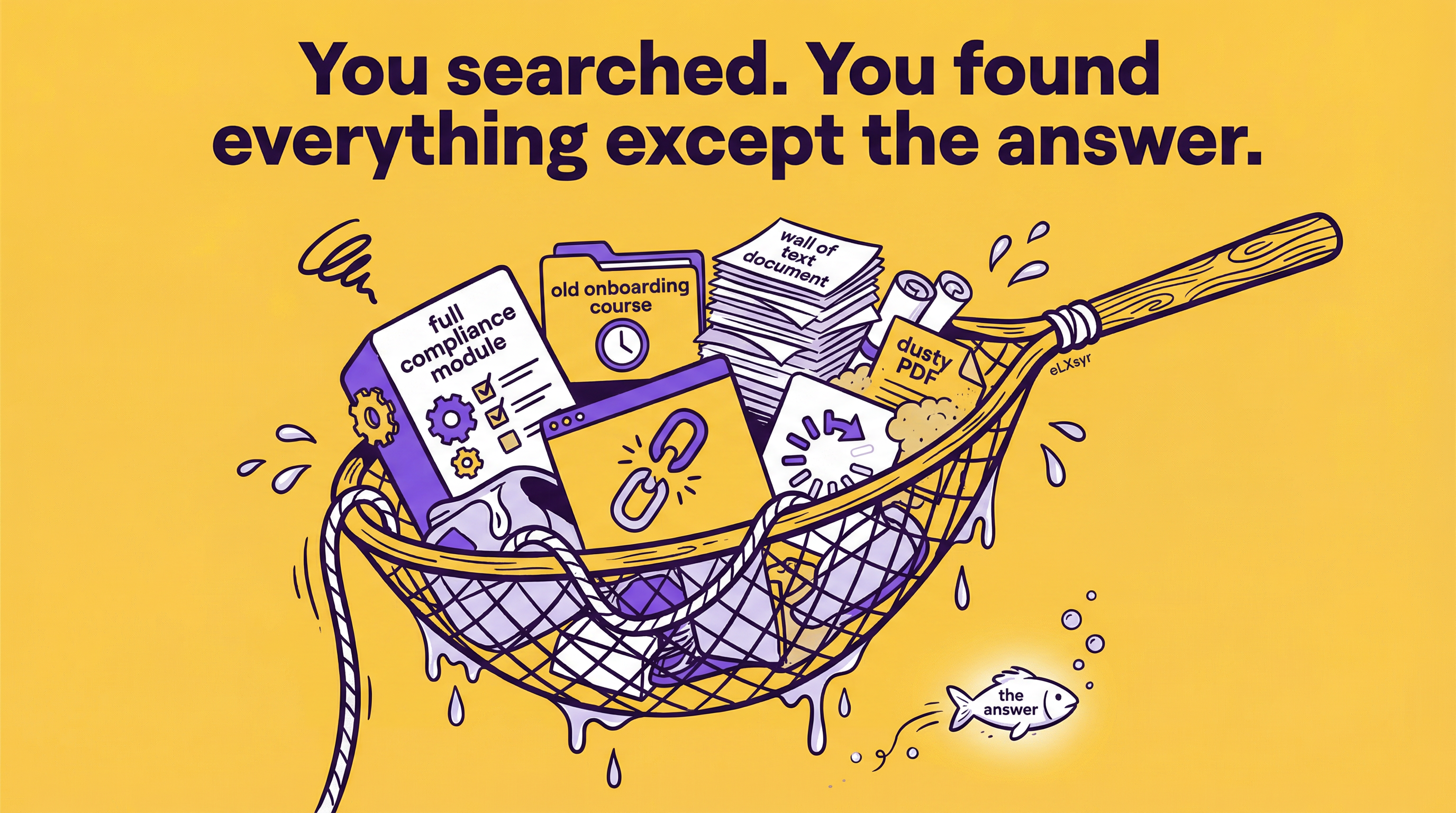
Picture a sales rep midway through a client call. She needs the exact wording for a discount approval process. Typing "discount approval" into the LMS search pulls up a full compliance training module from last year, not the one-page guide.
She scans the module, finds nothing useful, and tries different words. The rep moves on without the right info, risks an error, and the company loses the deal. This is LMS search failure in a real workplace moment.
How to Think About It
Shift your view from LMS as a course library to performance support. Courses teach ahead of time. Performance support delivers knowledge at the learner moment of need, like during a task.
Performance support vs LMS comes down to timing. Traditional LMS excels at structured learning paths. It fails when users need instant, targeted answers outside those paths.
Use this mental model: Match content to need types. Formal learning for skills buildup. Non-formal for procedures and references. Search must bridge them without forcing a course reload.
Where This Gets Hard
Manual fixes like better tagging or simplified taxonomies work for small libraries. Add thousands of documents, updates, and varied user queries, and maintenance overwhelms instructional designers. Retrieval accuracy drops as content grows, demanding constant tweaks that pull time from creating new materials. Platforms like eLXsyr address this by letting designers embed AI chatbots tied to controlled knowledge bases directly in courses or job aids, pulling exact answers without generating new content.
What to Watch Out For
Over-relying on broad keyword tags assumes learners phrase queries like designers. They do not. Real searches use shorthand or task-specific terms that miss tagged content.
Expecting one search box to serve all content types sets up failure. Courses need previews, guides need snippets, policies need summaries. A uniform interface ignores these differences.
Ignoring update lags kills trust. Content changes, but search indexes do not refresh fast. Learners pull outdated info, blame the system, and stop using it.
Worth Knowing
For team leads or freelancers building at scale, track usage analytics on search queries. Patterns reveal gaps, like repeated fails on compliance topics. Pair this with user feedback loops to refine content structure before expanding. Leaders see ROI in reduced support tickets; solo designers gain time for high-value creation.
Quick Checklist
- Map top user queries from support logs or chat transcripts.
- Group content by task type: step-by-step, reference, decision tree.
- Test searches with real learner phrases, not ideal keywords.
- Build short extracts or snippets for common procedures.
- Schedule index refreshes after every content update.
- Layer search with filters for role or module type.
FAQ
Why does LMS search always miss what I need?
LMS search uses rigid keyword matches on course metadata. It skips context like your current task. Results favor full modules over targeted info.
How do I fix search in my LMS now?
Add user-task tags and phrase content in question form. Test with actual searches. This boosts hits short-term.
What is performance support anyway?
Performance support gives just-in-time knowledge during work tasks. Think quick guides over hour-long courses. It targets the exact learner moment of need.