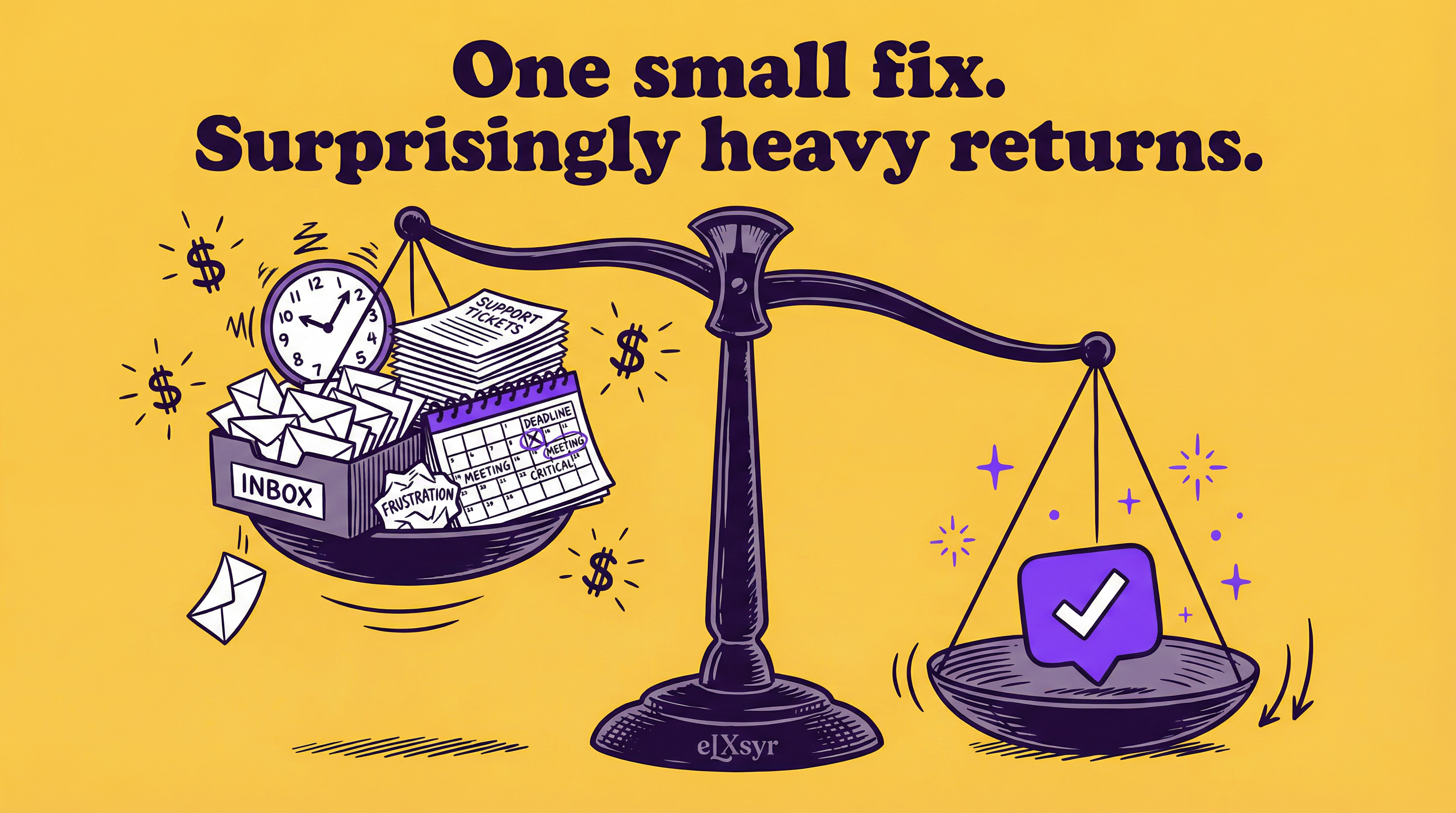
The Real ROI of Embedding Help Inside Your eLearning Course
Discover the ROI of in-course learning support: how it cuts costs, boosts completion rates, and delivers real business value without breaking your budget.
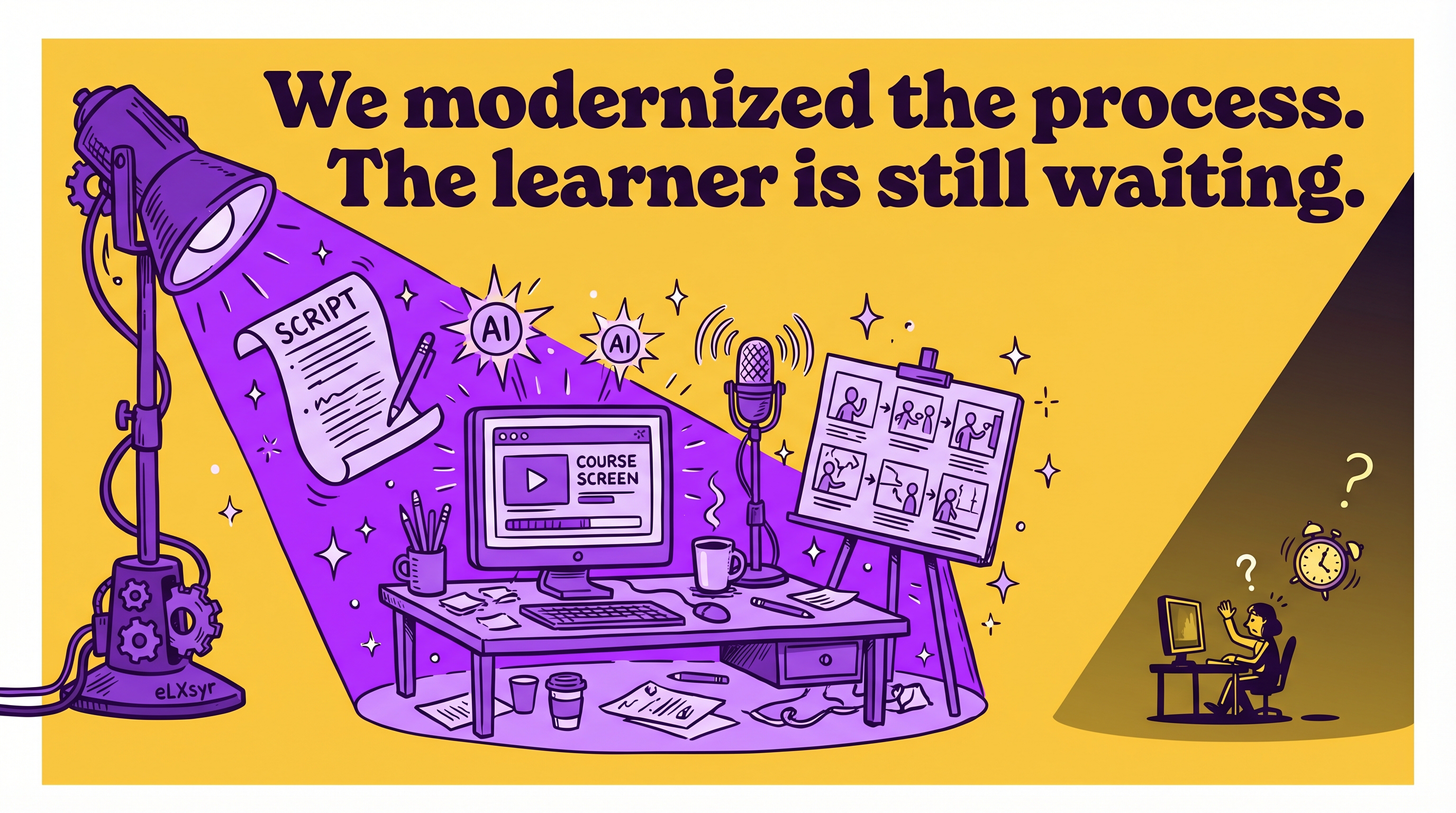
You build an eLearning course. You spend weeks on content, quizzes, and scenarios. Learners start the course but drop off halfway. They forget key steps or get stuck on details you thought were clear.
Support tickets flood in after launch. Your team scrambles to answer the same questions again and again. Time and money drain away on fixes that should not happen.
This cycle repeats across courses. It feels like the course fails despite your effort. The real issue hides in how learners use it.
What Is Actually Happening
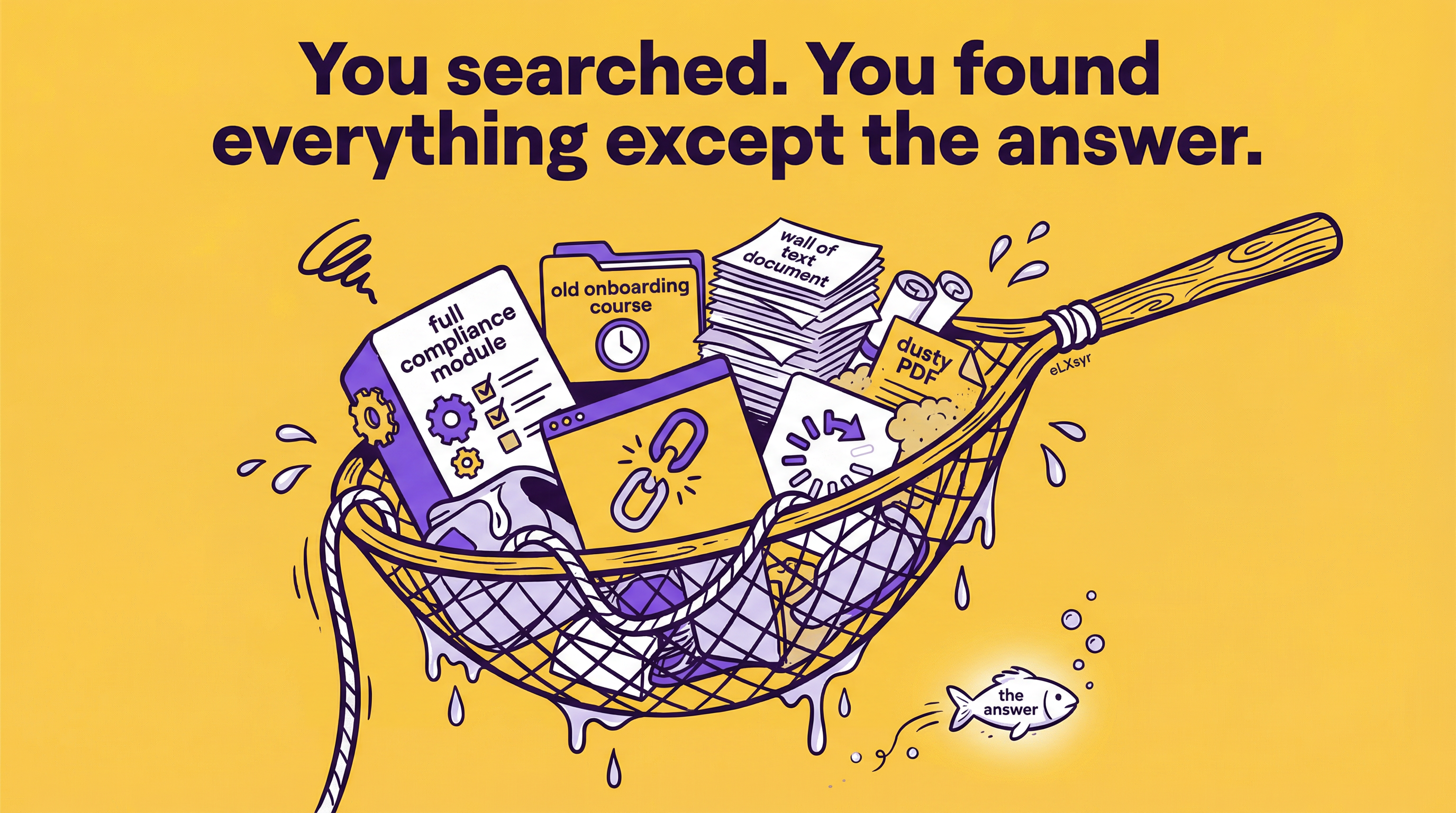
Learners face friction without instant help. They scan slides for answers but miss them. Or they exit to search elsewhere, losing focus.
Take a sales training course for new hires. The module covers objection handling with 20 scripts. A learner hits a live call, forgets script number seven, and emails support. One question turns into hours of back-and-forth.
This pulls instructional designers from new projects. Managers see low completion rates and question the course value. The root cause is missing on-demand support baked into the flow.
How to Think About It
Frame ROI of in-course learning support as time saved times value delivered. Start with baseline costs: development, delivery, and post-launch support. Subtract savings from embedded help.
Measure learner time first. Without help, they spend extra minutes hunting answers. With it, they stay in flow and finish faster. This compounds across hundreds of users.
Next, track support reduction. Emails drop when answers live inside the course. Calculate hours your team regains, then multiply by hourly rates.
ROI Frameworks for eLearning Courses
Use a simple equation: (Learner hours saved + Support hours saved) x Average cost per hour = Direct ROI. Add indirect gains like higher retention.
Test with a pilot module. Embed basic help like pop-ups or links. Compare completion rates and tickets before and after. Numbers prove the shift.
Focus on business outcomes. Link course skills to job performance. Fewer errors in the field mean real revenue protection.
Where This Gets Hard
Manual help like static FAQs or glossaries works for simple courses. But scale to dozens of modules with unique content, and updates become a nightmare. You rewrite links, refresh pop-ups, and still miss edge cases.
A manual approach runs out of road here. Tools like eLXsyr let designers embed AI chatbots that pull from your exact knowledge base. It scales without constant tweaks, staying tied to your content.
What to Watch Out For
You overload help with too much detail. Learners skim and miss the point. Keep responses short, tied to the screen they see.
Placing help too late in the flow. Put it where friction starts, like after a complex demo. Early intervention prevents drop-off.
Ignoring mobile users. Desktop pop-ups fail on phones. Test help across devices for true reach.
Worth Knowing
For large teams, centralize metrics tracking. Use LMS data on help usage to spot weak spots. Freelancers can log interactions in spreadsheets to build case studies for clients. Leaders pitch this as a line item: expect 20-30% support cuts in year one, scaling with course volume.
Quick Checklist
- Map high-friction spots: quizzes, procedures, decision trees.
- Build help from learner questions, not your assumptions.
- Time responses: aim for under 10 seconds load.
- Test with 5 real users before launch.
- Track three metrics: completion rate, support tickets, time to complete.
- Plan quarterly reviews to refresh content.
FAQ
How do I calculate ROI of in-course learning support?
Baseline your current completion rates and support volume. Add help, then measure changes. Multiply hours saved by your team's rate for dollar impact.
What is learning support cost savings in numbers?
It varies by course size. One report notes teams cut support time by half with instant answers. Track your own to get precise figures.
Does eLearning bot ROI justify the setup time?
Yes, if you have repeat users. Setup pays off after 100 completions as tickets vanish. Start small to confirm.