One Knowledge Base, Multiple Courses: How to Reuse What You've Already Built
Tired of rebuilding the same content for every eLearning course? A reusable knowledge base in eLearning lets you create once and deploy across courses, saving time and ensuring consistency.
You build a knowledge base for one eLearning course. It takes weeks to get right. Then a new course comes up, and you start over with the same info.
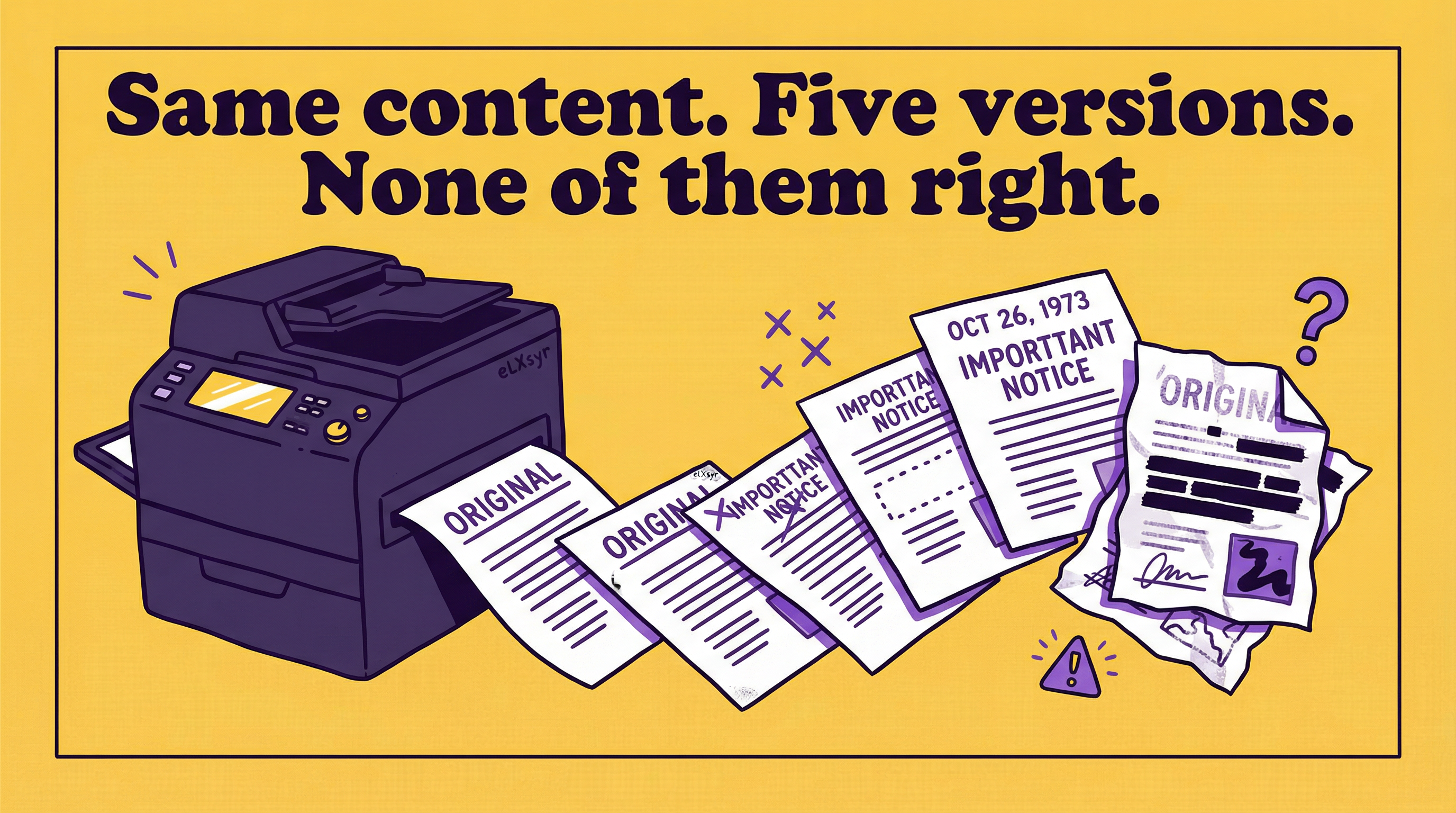
That repeated work eats time. Your content ends up inconsistent across courses. Learners notice when explanations differ on the same topic.
You want one source of truth. But copying and pasting leads to errors and drift over time.
What Is Actually Happening
In a mid-sized company, the L&D team trains sales reps on product features. They create a detailed knowledge base with specs, FAQs, and troubleshooting steps for the first course.
Months later, they launch a course for customer service. The core product info overlaps 70%. The team recreates it anyway to fit the new format.
Updates to one base never make it to the other. Sales gets outdated details while service has old versions. This root cause is siloed content creation.
How to Think About It
Start with a central repository model. Picture your knowledge base as a single library. Courses pull from it like borrowers checking out books.
This shifts your mindset from course-specific content to modular assets. Each piece stands alone but connects in context.
Focus on evergreen content first. Identify facts that rarely change, like core processes or definitions. Build those into the base.
Layer in course-specific guidance. Use the base for shared facts. Add unique scenarios per course without duplicating the foundation.
Where This Gets Hard
A manual approach works for two or three courses. You copy sections, tweak for context, and update by hand. But as courses multiply, versions diverge, updates lag, and maintenance overwhelms.
This is where a tool like eLXsyr fits. It lets designers build one reusable knowledge base eLearning and embed AI chatbots across multiple courses and job aids. The AI pulls directly from your controlled base, keeping answers consistent at scale without manual copying.
What to Watch Out For
Mistake one: Treating the knowledge base like a static document. People write long narratives instead of bite-sized Q&A pairs. This makes retrieval messy for AI or search.
Mistake two: Overloading with everything. You stuff in company policies, bios, and off-topic info. The base bloats, slowing responses and diluting relevance.
Mistake three: Skipping version control. Updates happen without tracking changes. Old course versions keep stale data, confusing learners.
Worth Knowing
For leaders approving budgets, measure reuse by tracking update time saved and consistency scores across courses. Freelancers can package bases as assets for clients, charging for maintenance. Solo designers gain efficiency by templating bases for repeat industries like compliance training.
Quick Checklist
- Map overlapping content across courses to spot reuse candidates.
- Break info into atomic chunks: one fact or answer per entry.
- Test retrieval with sample questions before full rollout.
- Set update rules: who approves changes and how often.
- Tag entries by topic for easy filtering in courses.
- Review base quarterly against live course feedback.
FAQ
Can I use the same knowledge base for different departments?
Yes, if you segment by tags or folders. Core facts stay shared while department-specific sections stay separate. This keeps one base without mix-ups.
How do I keep the knowledge base up to date across courses?
Centralize edits in the base. Tools that reference it automatically reflect changes. Manual syncs fail over time.
What's the best format for knowledge base entries?
Short, question-answer pairs work best. Include examples but skip fluff. Aim for scannable, precise content.