The Job Aid That Actually Gets Used: Why Conversation Beats the Static PDF
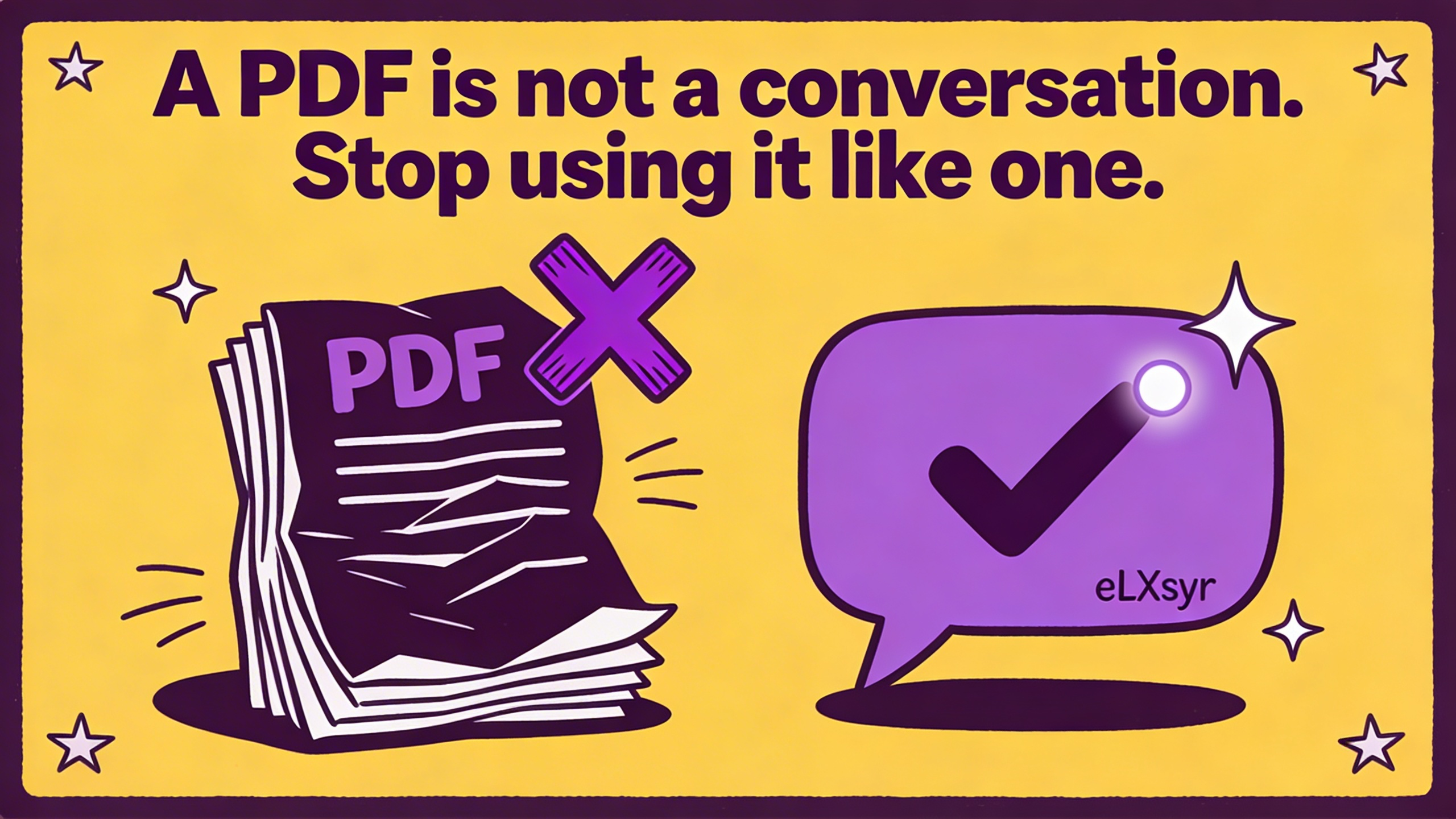
Static PDFs sit unused while workers scramble for answers. An interactive job aid vs static PDF changes that by letting users ask questions and get instant replies from your content.
You create a job aid as a PDF. You spend hours making it clear and detailed. Workers nod when you hand it out, but no one opens it later.
They face a problem on the floor. They text a coworker or call a supervisor instead of checking the PDF. The file gathers digital dust on their drive.
This happens every day. The job aid exists but does not help. People need answers fast, not a wall of text to scan.
What Is Actually Happening
Take a warehouse team trained on new safety protocols. The manager shares a 10-page PDF with steps for handling spills. One shift later, a spill happens. The worker pulls out their phone but skips the PDF.
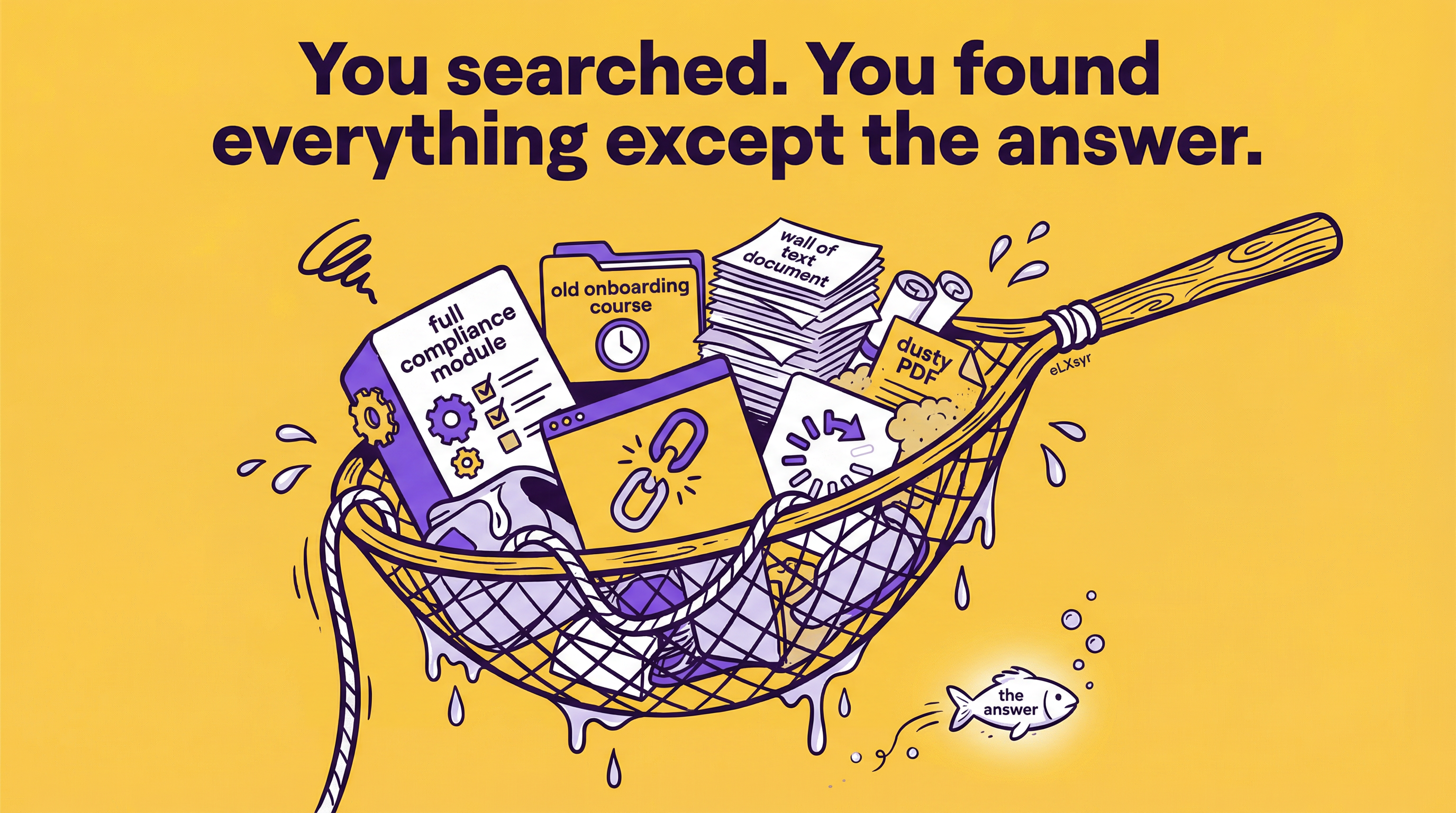
Why? The PDF lists steps in order. To find the right one, they read through headings and bullet points. Under time pressure, they guess or ask someone nearby.
This is the root cause. Static PDFs force linear reading. Real work demands quick, specific answers. The format fights how people think and act.
How to Think About It
Start with the user moment. They have a question in their head, like "How do I reset this machine?" A good job aid meets them there, not at the start of a document.
Shift to conversation over pages. People talk to get info. They say the problem and hear the fix. Mimic that flow to boost job aid engagement.
Control the source. The aid pulls from your exact content. No wild guesses or outside info. It stays true to what you teach.
Measure by use, not creation. Track if it cuts questions to experts or speeds tasks. That shows if the mental model works.
Where This Gets Hard
Building this manually means scripting responses for every question. You map phrases to answers and handle variations like typos or slang. Test it across devices and update for changes. At small scale, you manage. For dozens of job aids or frequent updates, the work explodes. Tools like eLXsyr's Smart Job Aid handle this by embedding AI chatbots in PDFs that retrieve from your knowledge base.
What to Watch Out For
First mistake: Overloading the knowledge base with everything. It confuses the bot, leading to vague answers. Pick core procedures only.
Second: Ignoring voice input. Workers in gloves or noise cannot type well. Test speech-to-text early.
Third: Skipping feedback loops. Users report bad answers, but you do not log them. Without records, issues repeat.
Worth Knowing
For leaders, adoption hinges on integration. Embed the aid in apps workers already use, like inventory tools. Freelancers benefit from templates that adapt to client content without recoding. Solo designers save time by reusing bases across projects.
Quick Checklist
- Map 5 to 10 common questions to exact answers from your content.
- Test with real users under time pressure, not in calm review.
- Limit responses to 3 sentences max for quick reads.
- Add buttons for next steps, like "Show image" or "Related procedure."
- Track opens and questions asked weekly.
- Update base after every process change.
FAQ
Why do workers ignore PDF job aids?
PDFs require hunting through text. Workers want instant matches to their question. Conversation-style aids deliver that speed.
What is PDF vs chatbot job aid?
PDFs are fixed pages users scroll. Chatbot aids let them type or speak a question for a targeted reply. The chatbot version sees higher use.
How do I improve smart job aid adoption?
Start with pain points like frequent tasks. Train users in one session. Show time saved to build buy-in.